ESP32-S3-DevKitC-1
Interactive ESP32-S3-DevKitC-1 pinout with strapping, PSRAM and USB pins marked, Arduino IDE, PlatformIO and MicroPython setup, and a compile-checked RGB blink.
Community draft — report a mistake
The ESP32-S3-DevKitC-1 is Espressif’s own board for the ESP32-S3: two faster LX7 cores with vector instructions (handy for keyword spotting and small camera models), Bluetooth 5 LE instead of classic Bluetooth, and native USB that can act as a keyboard, a serial port or a debugger.
The same board is sold with very different modules. Read the module label before choosing pins — an N16R8 board has 16 MB flash and 8 MB octal PSRAM, which takes GPIO 35–37 away from you. An N8 board keeps them.
Power it from either USB-C port, or 5 V on the 5V pin. All GPIOs are 3.3 V. The ADC1 pins (GPIO 1–10) keep working with Wi-Fi on; ADC2 pins do not.
Interactive pinout
Hover or tap a pin for its functions and traps. Filter to light up every I2C, ADC or boot pin.
- Safe for most uses
- Works, with a caveat
- Avoid unless you know why
- Power / control
Strapping pins: GPIO 0, 3, 45, 46. Their level at reset decides how the chip boots. GPIO45 pulled high can select 1.8 V flash and stop the board booting; GPIO0 is the BOOT button.
Octal-PSRAM boards lose GPIO 35, 36 and 37. On N8R8/N16R8 modules those pins belong to the PSRAM — wiring a sensor there crashes the board. GPIO 26–32 (flash) are not on the headers at all.
Two USB ports, two jobs. The "UART" port talks to GPIO43/44 through a bridge chip; the "USB" port is the chip's own USB on GPIO19/20. Keep GPIO19/20 free if you use that port.
Set up your computer
- Install Arduino IDE 2.x from arduino.cc.
- File → Preferences → Additional boards manager URLs:
https://espressif.github.io/arduino-esp32/package_esp32_index.json - Boards Manager → install esp32 by Espressif Systems (we compile against esp32 3.3.12).
- Tools → Board → ESP32S3 Dev Module, then pick the port that appears when you plug the board in.
Your platformio.ini:
[env:esp32-s3-devkitc-1]
platform = espressif32
board = esp32-s3-devkitc-1
framework = arduino
monitor_speed = 115200
[env:esp32-s3-devkitc-1] platform = espressif32 board = esp32-s3-devkitc-1 framework = arduino monitor_speed = 115200
- Download the firmware from micropython.org.
- Pick the build that matches your module (the SPIRAM_OCT build for N8R8/N16R8 boards).
- Flash it with
esptoolover the UART port, then open Thonny → Interpreter → MicroPython (ESP32).
First program
// First program for the ESP32-S3-DevKitC-1: cycle the on-board RGB LED.
// The RGB LED is a single addressable (WS2812-type) pixel:
//   GPIO48 on DevKitC-1 v1.0 boards, GPIO38 on v1.1 boards — check the label near the LED.
// Serial goes to the "UART" USB-C port at 115200 baud.
constexpr uint8_t RGB_PIN = 48;  // change to 38 for a v1.1 board

void setup() {
  Serial.begin(115200);
  Serial.println("FlashReady: ESP32-S3 RGB blink");
}

void loop() {
  rgbLedWrite(RGB_PIN, 40, 0, 0);   // red (kept dim: these LEDs are bright)
  delay(400);
  rgbLedWrite(RGB_PIN, 0, 40, 0);   // green
  delay(400);
  rgbLedWrite(RGB_PIN, 0, 0, 40);   // blue
  delay(400);
  rgbLedWrite(RGB_PIN, 0, 0, 0);    // off
  delay(400);
}
// First program for the ESP32-S3-DevKitC-1: cycle the on-board RGB LED.
// The RGB LED is a single addressable (WS2812-type) pixel:
// GPIO48 on DevKitC-1 v1.0 boards, GPIO38 on v1.1 boards — check the label near the LED.
// Serial goes to the "UART" USB-C port at 115200 baud.
constexpr uint8_t RGB_PIN = 48; // change to 38 for a v1.1 board
void setup() {
Serial.begin(115200);
Serial.println("FlashReady: ESP32-S3 RGB blink");
}
void loop() {
rgbLedWrite(RGB_PIN, 40, 0, 0); // red (kept dim: these LEDs are bright)
delay(400);
rgbLedWrite(RGB_PIN, 0, 40, 0); // green
delay(400);
rgbLedWrite(RGB_PIN, 0, 0, 40); // blue
delay(400);
rgbLedWrite(RGB_PIN, 0, 0, 0); // off
delay(400);
}Components with ESP32-S3-DevKitC-1
- BME280 breakout Arduino C++
- DHT22 (AM2302) Arduino C++
- DS18B20 (1-Wire) Arduino C++
- HC-SR04 ultrasonic sensor Arduino C++
- HX711 load cell amplifier Arduino C++
- 16×2 LCD + I2C backpack Arduino C++
- MAX30102 pulse oximeter module Arduino C++
- MAX7219 8×8 LED matrix (4-in-1 FC-16 module) Arduino C++
- MicroSD card module (SPI) Arduino C++
- MPU6050 (GY-521) Arduino C++
- MQ-135 gas sensor module Arduino C++
- NEO-6M GPS module (GY-NEO6MV2) Arduino C++
- RC522 RFID reader (MFRC522, 13.56 MHz) Arduino C++
- 1-channel relay module (5 V coil) Arduino C++
- SG90 micro servo (9 g) Arduino C++
- SSD1306 OLED 0.96″ (128×64, I2C) Arduino C++
- 1.8" ST7735 colour TFT (128×160) Arduino C++
- SX1278 LoRa module (Ra-02, 433 MHz) Arduino C++
- TTP223 capacitive touch module Arduino C++
- WS2812B addressable RGB LED strip (NeoPixel) Arduino C++
Common errors
Nothing on the Serial Monitor after upload
You are watching the other USB port. With the default settings Serial goes to the "UART" port; to use the native "USB" port set Tools → USB CDC On Boot → Enabled.
Board keeps resetting with a PSRAM error
Tools → PSRAM must match your module: "OPI PSRAM" for N8R8/N16R8, "Disabled" for N8. A mismatch boot-loops the board.
Timed out waiting for packet header
Hold BOOT, tap RESET, release BOOT, then upload. Full fix guide.
The RGB LED stays dark
v1.0 boards wire it to GPIO48, v1.1 boards to GPIO38. Change RGB_PIN in the blink sketch to match the label near the LED.
Projects for ESP32-S3-DevKitC-1
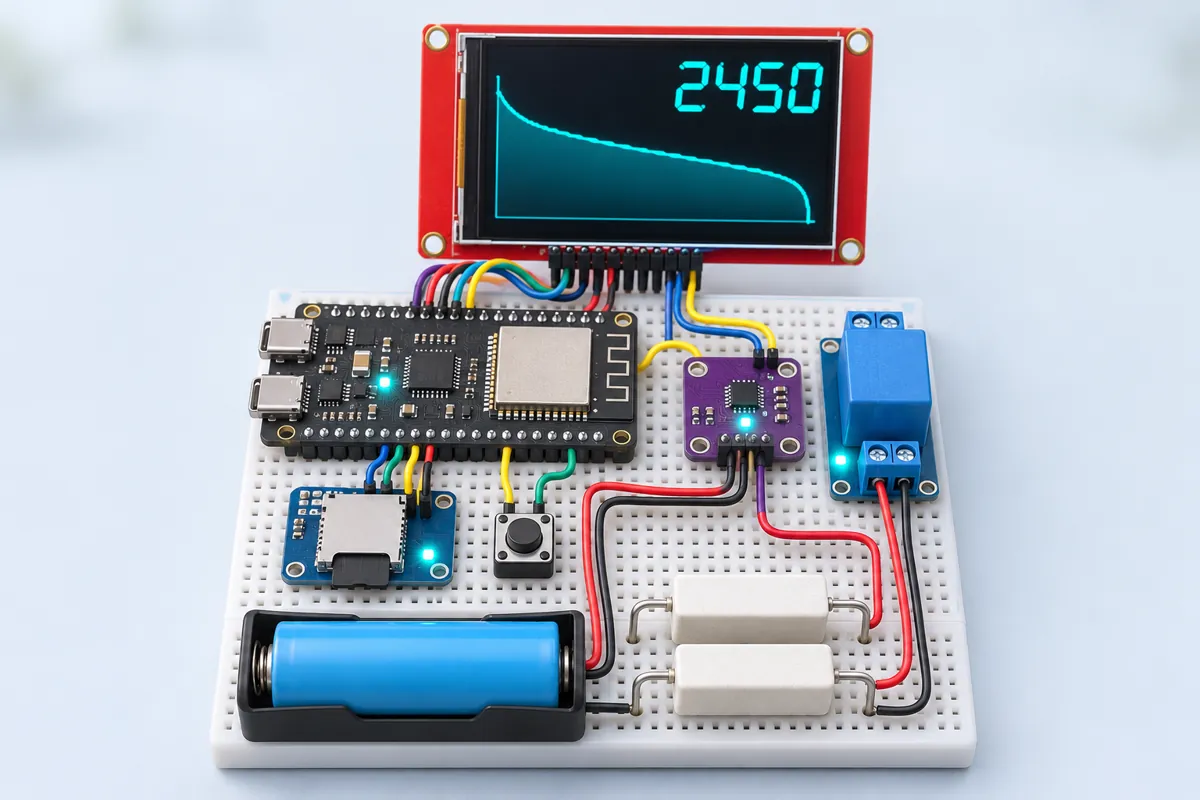
18650 battery capacity tester with discharge graph and SD log (ESP32-S3)
Is that “3000 mAh” cell really 3000? Discharge it, watch the curve, keep the log.
3 h · Student projects
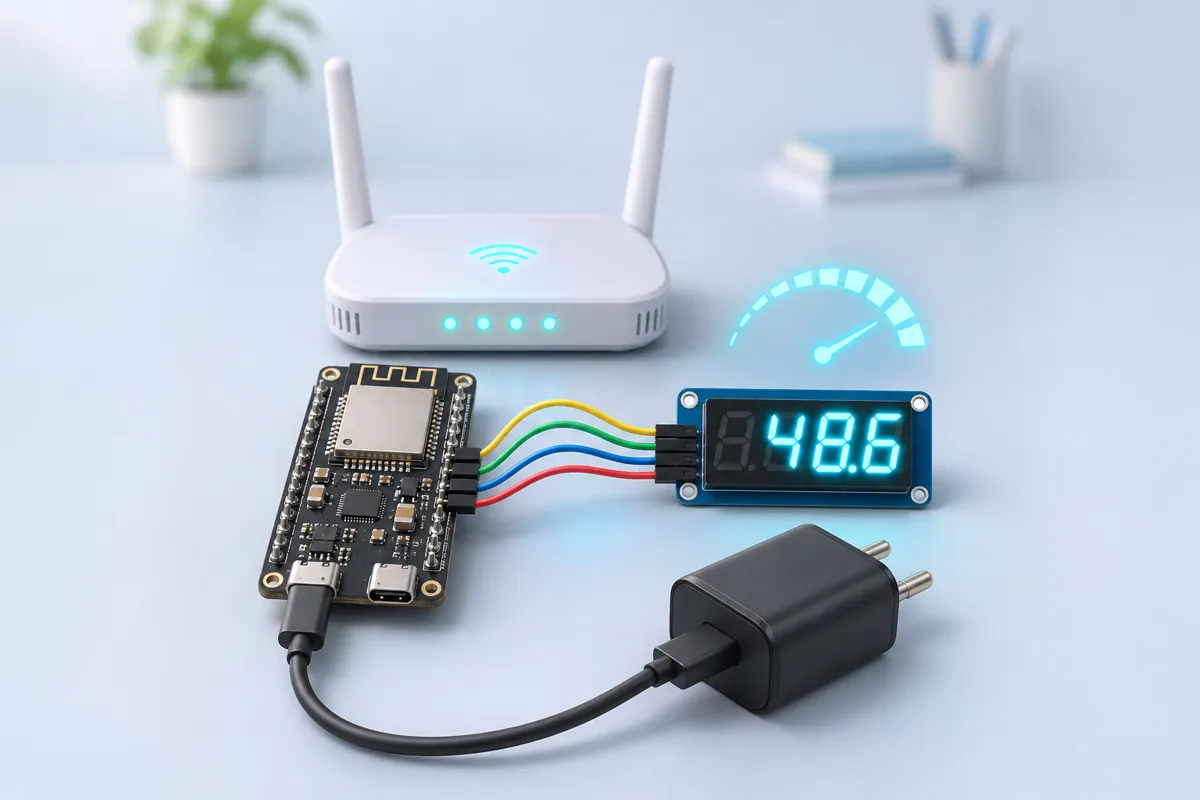
Broadband speed logger — prove the evening slowdowns (ESP32-S3)
A speed test every 30 minutes, day and night, with the result on a 4-digit display.
45 min · Network & ISP tools
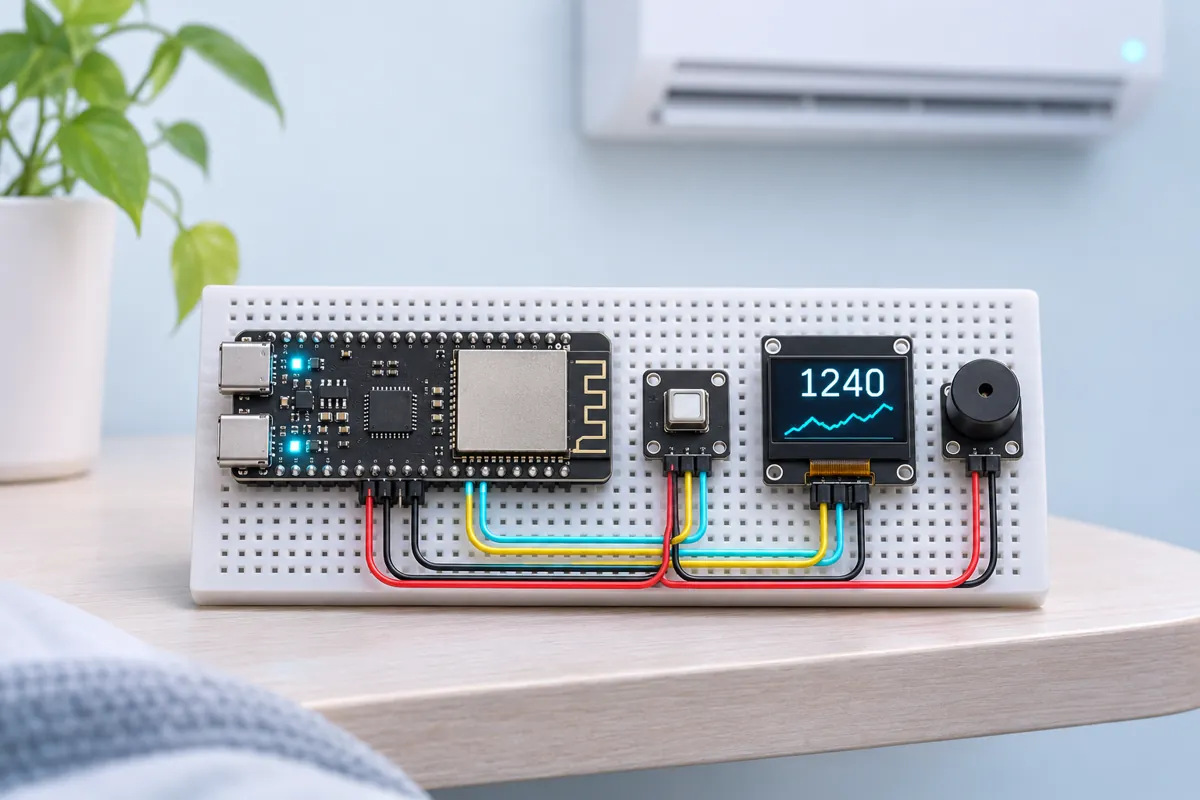
CO2 monitor for classrooms and AC bedrooms (ESP32-S3 + SCD40)
Real CO2 in ppm with a one-hour graph — and a beep when the room needs air.
1 h · Weather
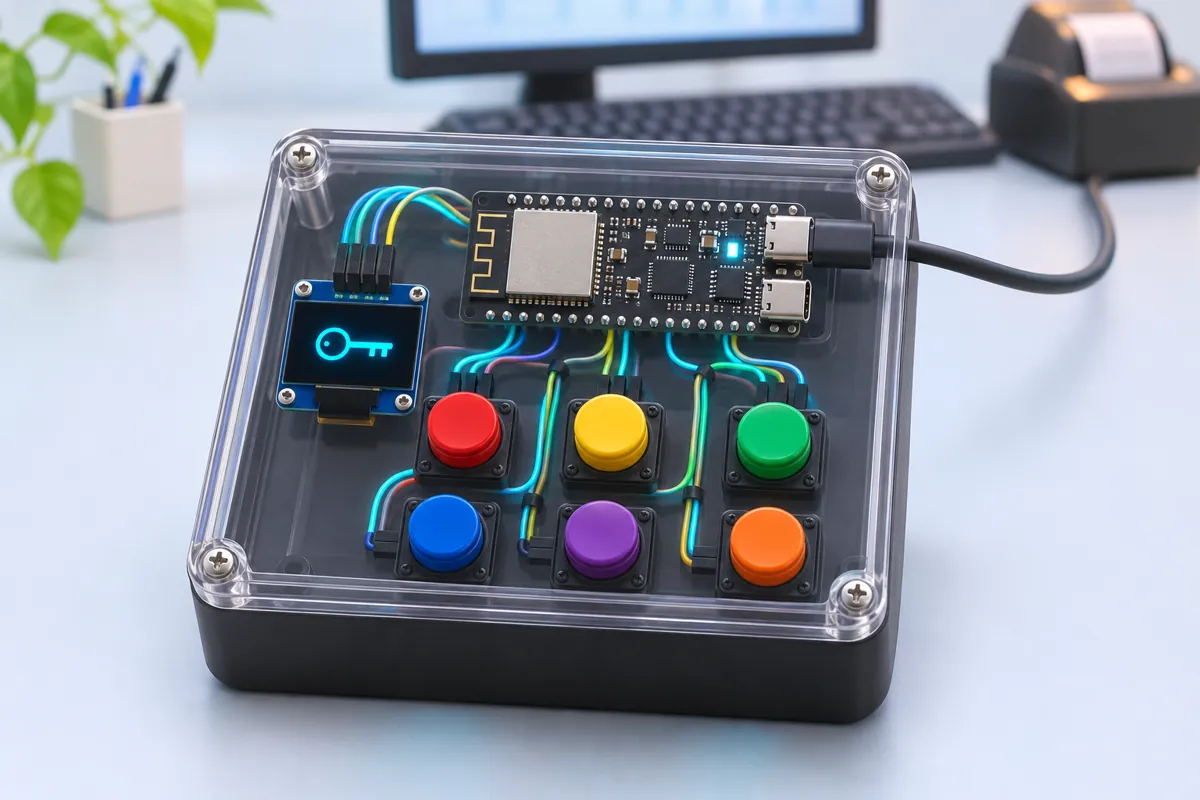
Tally shortcut keypad — a 6-key USB keyboard for billing (ESP32-S3)
One press for Sales, Purchase, Receipt or Save — a billing keypad any PC sees as a keyboard.
1.5 h · India utility
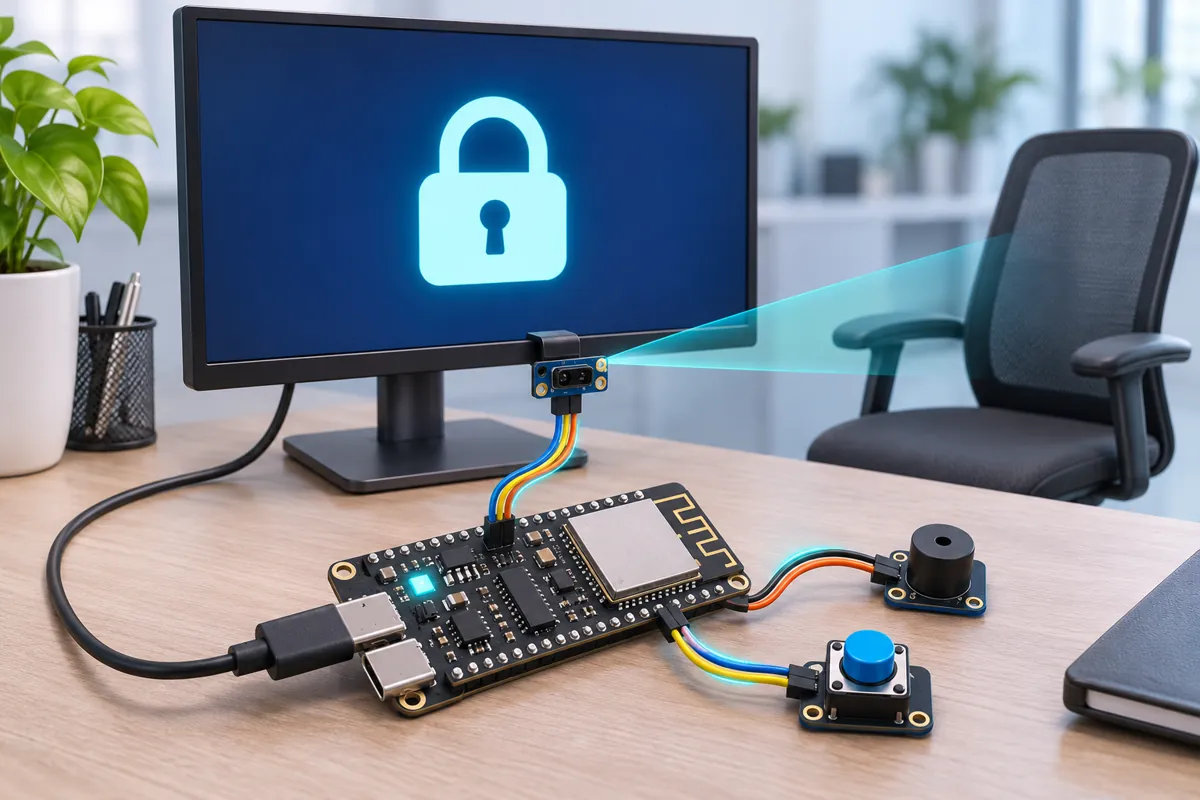
Walk-away PC lock with a VL53L1X distance sensor (ESP32-S3 USB keyboard)
Get up, walk away — your office PC locks itself before anyone can peek.
1 h · Home automation
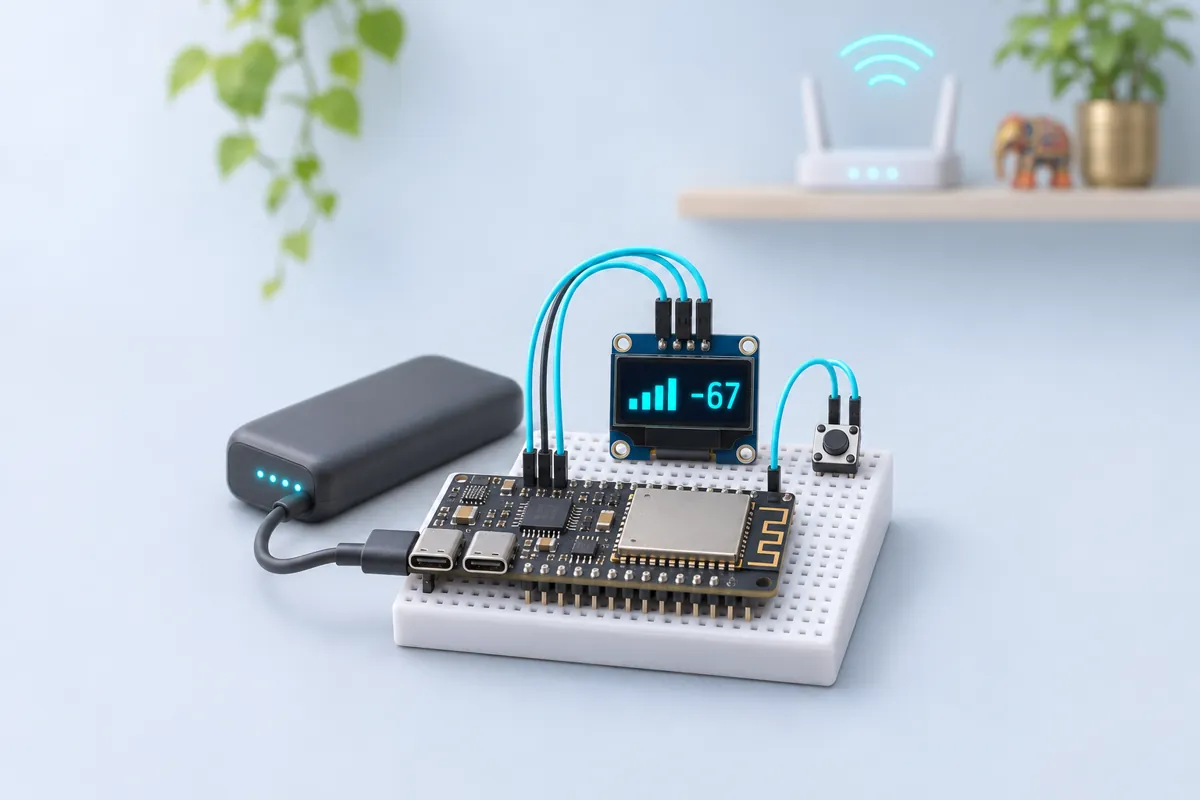
Wi-Fi coverage mapper — find the dead zones room by room (ESP32-S3)
Press a button in every room and get a ranked list of your Wi-Fi dead zones.
45 min · Network & ISP tools