XIAO ESP32C3
Interactive Seeed XIAO ESP32C3 pinout with strapping and BOOT pins marked, battery charging notes, Arduino IDE and PlatformIO setup, and a compile-checked first sketch.
Community draft — report a mistake
Seeed’s XIAO ESP32C3 is the smallest board in our list: an ESP32-C3 on a 21 × 18 mm module with castellated edges, so it can be soldered flat onto your own PCB or plugged into a breadboard.
It adds two things the cheap C3 SuperMini lacks — an external U.FL antenna for reliable Wi-Fi range, and a Li-ion charger wired to pads underneath, which makes it a natural choice for battery sensors and wearables.
Pins are labelled D0–D10 to match the other XIAO boards. The pinout below maps each one to its GPIO and marks D0/D8/D9 as strapping pins.
Interactive pinout
Hover or tap a pin for its functions and traps. Filter to light up every I2C, ADC or boot pin.
- Safe for most uses
- Works, with a caveat
- Avoid unless you know why
- Power / control
No user LED. The only LED is the charge indicator. The first sketch blinks an external LED on D10 through a 220 Ω resistor.
D0, D8 and D9 are strapping pins. D9 is also the BOOT button. Keep pull-downs and buttons off them at reset.
Fit the antenna before using Wi-Fi. Without the supplied U.FL antenna the range drops to a few metres. Connect it before testing Wi-Fi or Bluetooth.
Set up your computer
- Install Arduino IDE 2.x from arduino.cc.
- File → Preferences → Additional boards manager URLs:
https://espressif.github.io/arduino-esp32/package_esp32_index.json - Boards Manager → install esp32 by Espressif Systems (we compile against esp32 3.3.12).
- Tools → Board → XIAO_ESP32C3, then pick the port that appears when you plug the board in.
Your platformio.ini:
[env:seeed_xiao_esp32c3]
platform = espressif32
board = seeed_xiao_esp32c3
framework = arduino
monitor_speed = 115200
[env:seeed_xiao_esp32c3] platform = espressif32 board = seeed_xiao_esp32c3 framework = arduino monitor_speed = 115200
- Download the firmware from micropython.org.
- Hold BOOT while plugging in USB, flash with
esptool, then open Thonny → Interpreter → MicroPython (ESP32).
First program
// First program for the Seeed XIAO ESP32C3. The board has no user LED, so wire one:
//   D10 → 220 Ω resistor → LED anode, LED cathode → GND.
// Serial runs over the native USB port at 115200 baud.
constexpr uint8_t LED_PIN = D10;

void setup() {
  Serial.begin(115200);
  pinMode(LED_PIN, OUTPUT);
  Serial.println("FlashReady: XIAO ESP32C3 blink");
}

void loop() {
  digitalWrite(LED_PIN, HIGH);
  delay(500);
  digitalWrite(LED_PIN, LOW);
  delay(500);
}
// First program for the Seeed XIAO ESP32C3. The board has no user LED, so wire one:
// D10 → 220 Ω resistor → LED anode, LED cathode → GND.
// Serial runs over the native USB port at 115200 baud.
constexpr uint8_t LED_PIN = D10;
void setup() {
Serial.begin(115200);
pinMode(LED_PIN, OUTPUT);
Serial.println("FlashReady: XIAO ESP32C3 blink");
}
void loop() {
digitalWrite(LED_PIN, HIGH);
delay(500);
digitalWrite(LED_PIN, LOW);
delay(500);
}Components with XIAO ESP32C3
- AHT20 temperature + humidity sensor Arduino C++
- BME280 breakout Arduino C++
- Capacitive soil moisture sensor v1.2 Arduino C++
- DHT22 (AM2302) Arduino C++
- DS18B20 (1-Wire) Arduino C++
- HC-SR501 PIR motion sensor Arduino C++
- 1-channel relay module (5 V coil) Arduino C++
- SG90 micro servo (9 g) Arduino C++
- SSD1306 OLED 0.96″ (128×64, I2C) Arduino C++
- WS2812B addressable RGB LED strip (NeoPixel) Arduino C++
Common errors
Board not detected after a bad sketch
Hold BOOT while plugging in USB to force download mode, then upload a working sketch.
Battery does not charge
Charging only works with USB connected and a single-cell 3.7 V Li-ion/Li-Po on the BAT pads with the right polarity. A full battery leaves the charge LED off.
Serial Monitor prints nothing
Add a short delay (or while (!Serial) with a timeout) after Serial.begin() — native USB takes a moment to enumerate.
Projects for XIAO ESP32C3
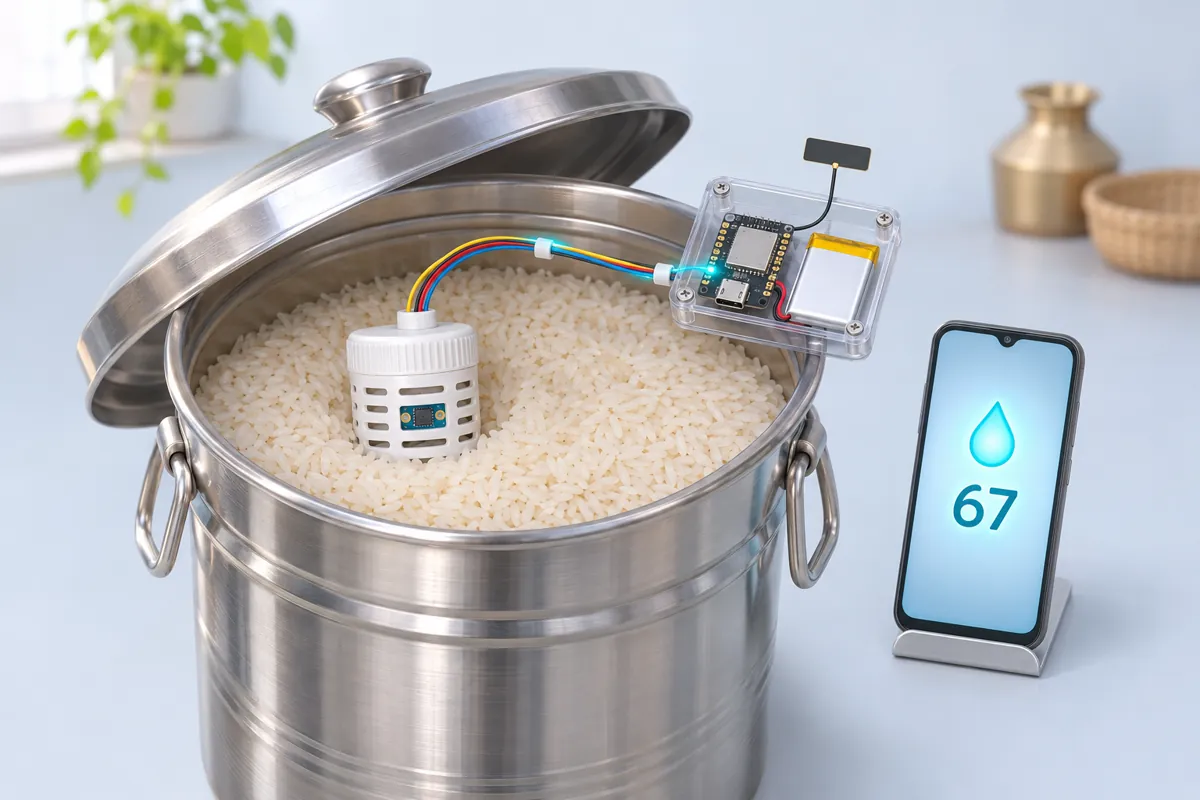
Grain storage humidity logger with phone alerts (XIAO ESP32C3 + SHT40, battery)
Know when the rice or wheat drum is getting damp — months on one Li-ion cell.
1.5 h · India utility
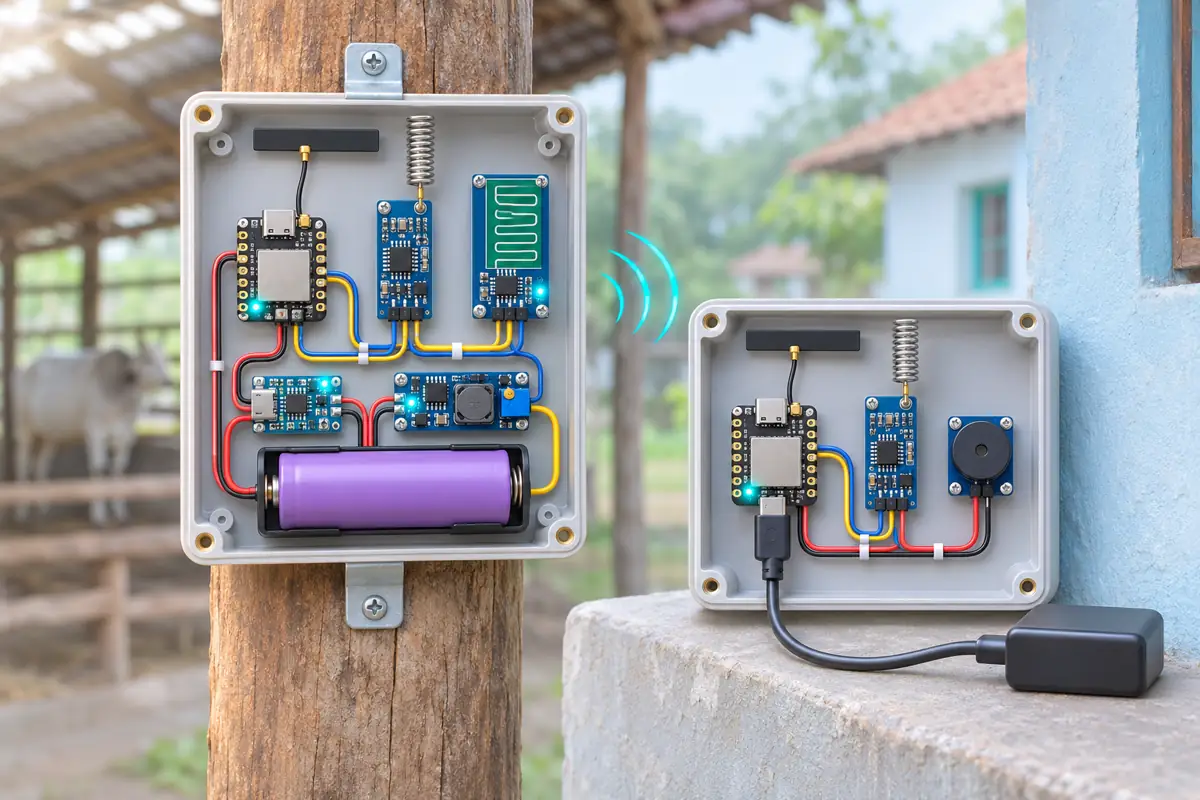
Radar alarm for a cattle shed or godown with a 433 MHz HC-12 link (XIAO ESP32C3)
Movement in the shed at night? The buzzer by your bed knows — no Wi-Fi or SIM needed.
3 h · India utility
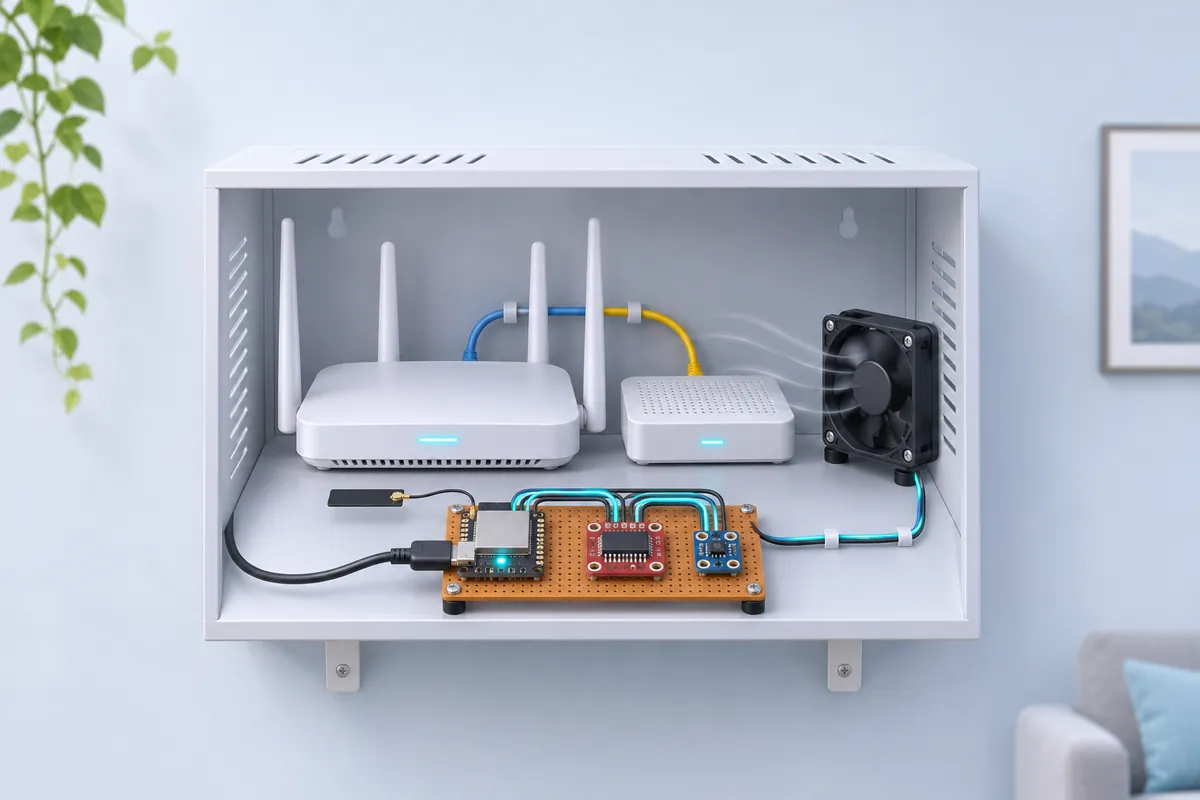
Temperature-controlled cooling fan for a router or ONT cabinet (XIAO ESP32C3)
Keeps the router cabinet cool in May — quiet when it’s cool, full speed when it’s hot.
1.5 h · Network & ISP tools